






Case 02 · Options & futures trading · Luxembourg · 2022 · NDA
optionsstream
An in-house platform for trade communications, order collection and the complicated workflows of the options and futures market.
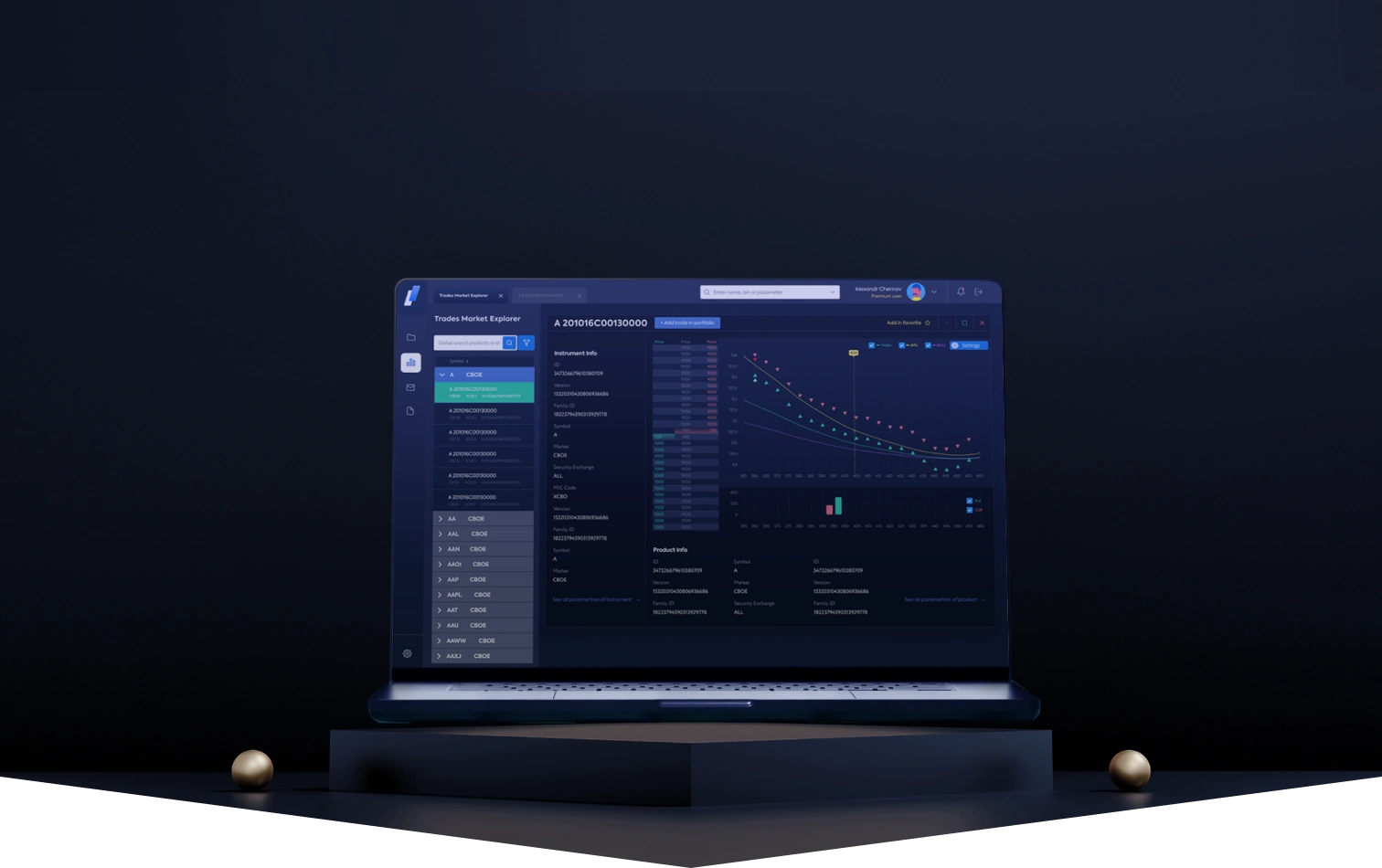
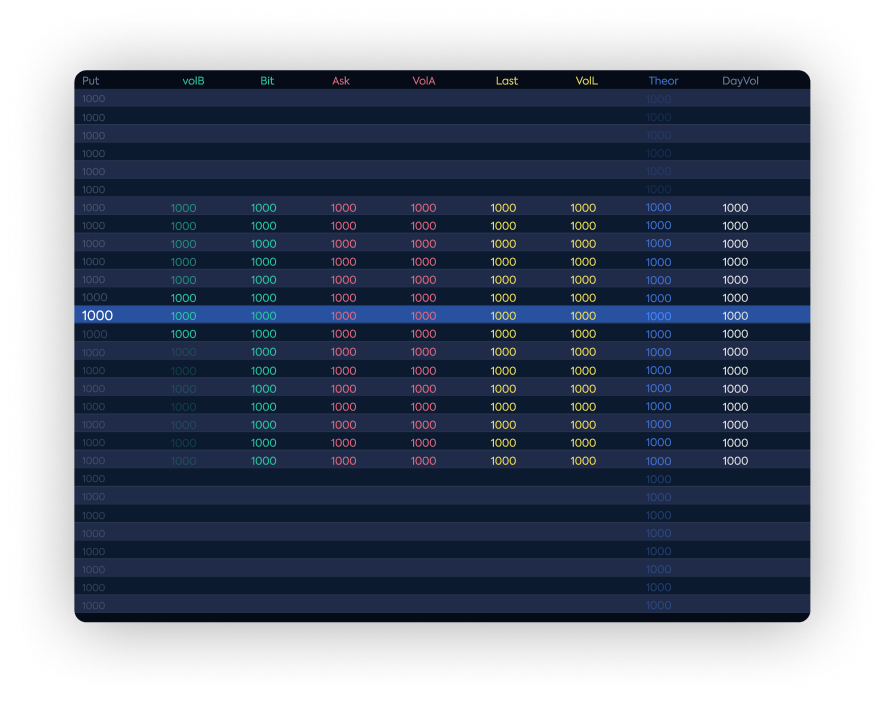
The Trades Market Explorer terminal in the public version. Data and names are changed.
Intra-corporate system of trade
communications, and collection of orders
Options and futures, inside one company
Goals & Principles
Context. A professional desk trading options and futures worked in scattered tools. Chat sat in one place, orders in another, portfolios and analytics somewhere else again. They came to me for one interface that would gather all of it into a single system somebody could actually run.
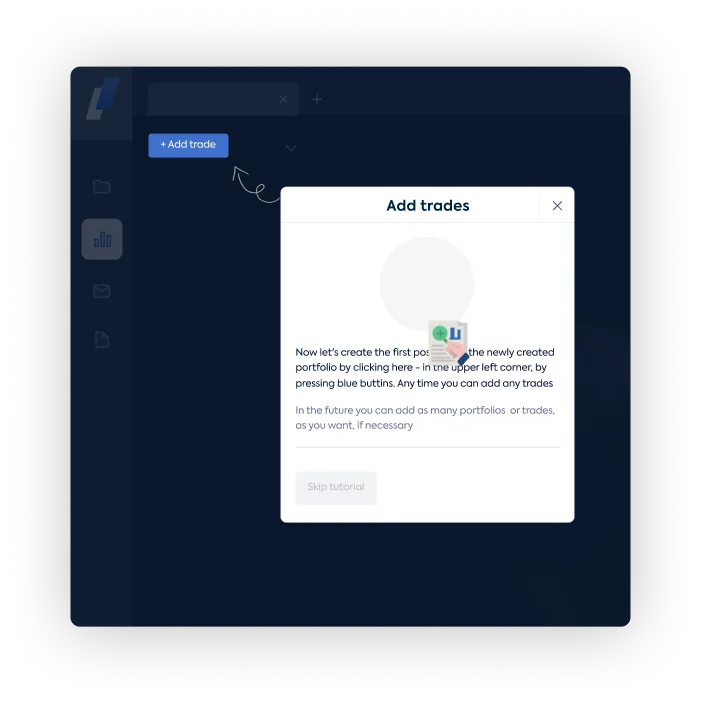
Brief. Put the difficult workflows into a single product interface: finding and analyzing instruments, working with portfolios, adding positions, setting parameters, talking to other specialists and keeping track of linked operations.
Principle. Working density without chaos. Tables, charts, side navigation, forms, modal states and chat threads live in one system. A specialist does not lose context when moving between operations.
- UX architecture: flows for traders and advisers, and the chain “instrument → position → discussion → operation”.
- Design system: components, field and button states, type and a palette built for dense data.
- A mobile companion for watching key operations away from the desk.
- Branding for the platform: a quiet identity for an internal product.
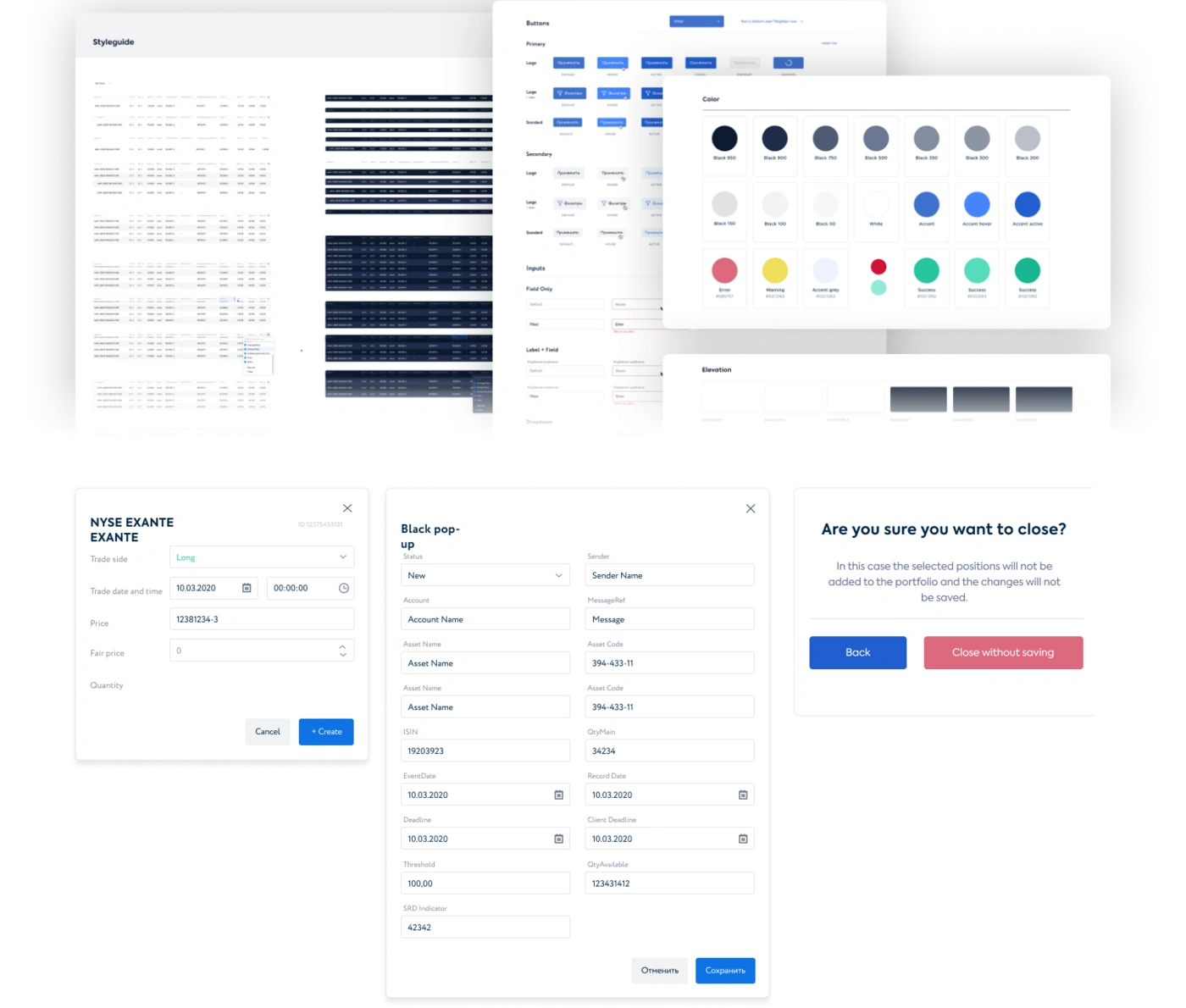
Design system
The kit the terminal is built from: components, field and button states, tables, dialogs and the palette. Everything dense screens are made of, sorted and named.
Big UX & UI flow
The densest screens in the system, up close. The terminal holds tables, charts and forms in one window and stays manageable.
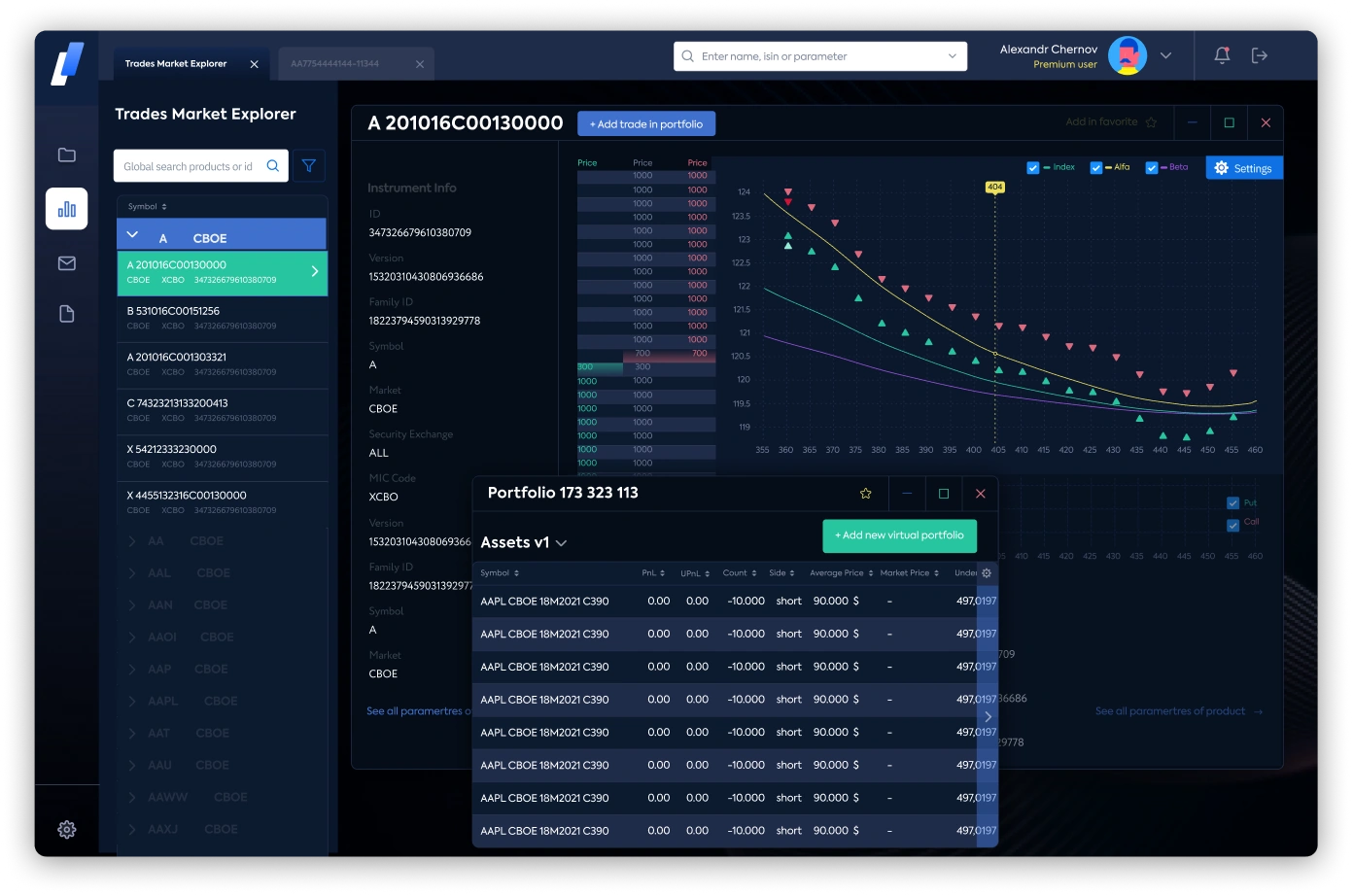
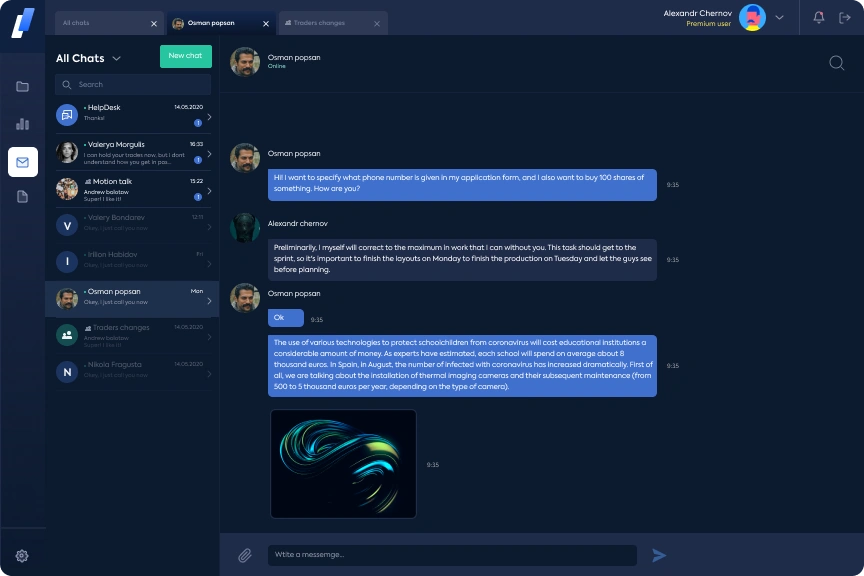
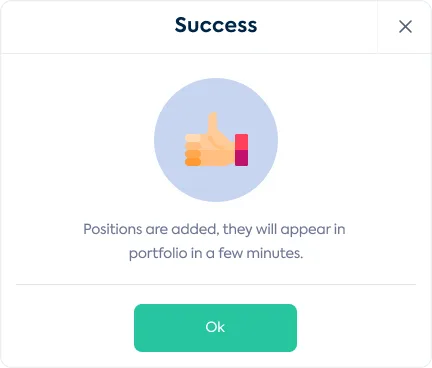
Density here is a working tool. The fewer times a trader switches windows, the lower the price of a mistake.
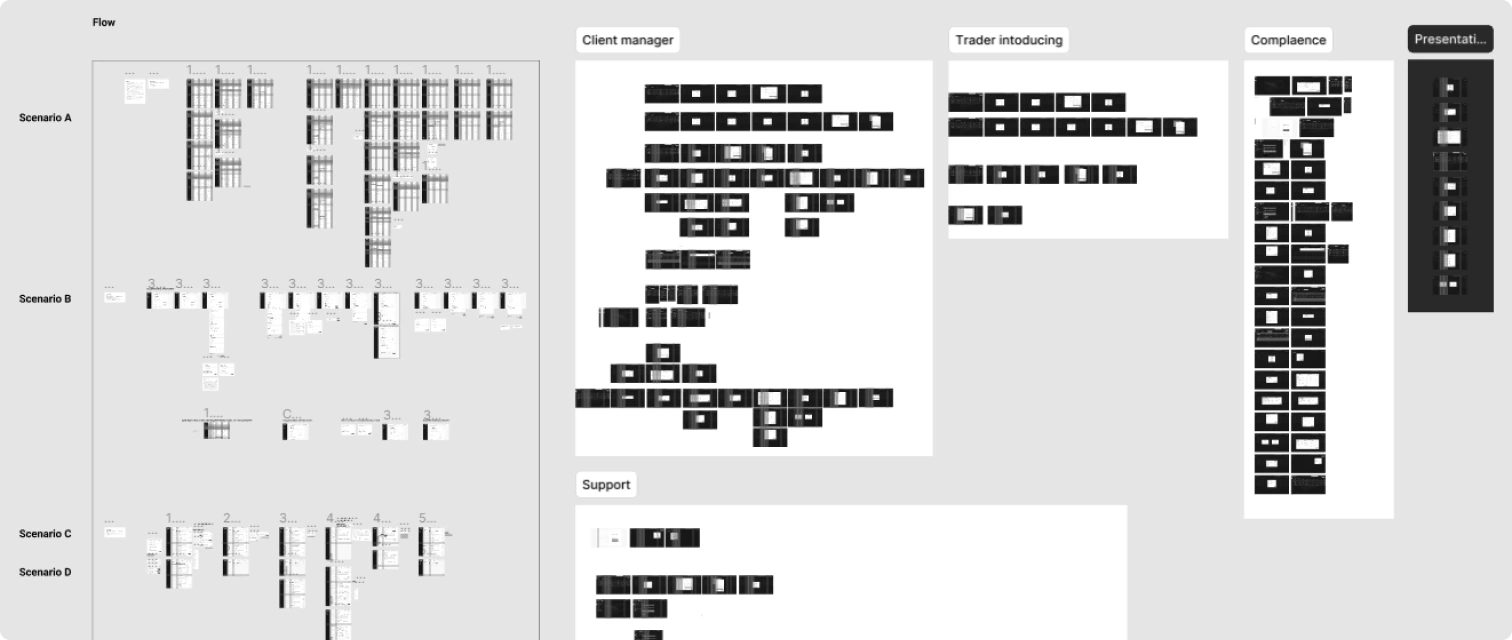
+ mobile app
The mobile companion. Key operations and portfolios stay reachable away from the desk.
Branding
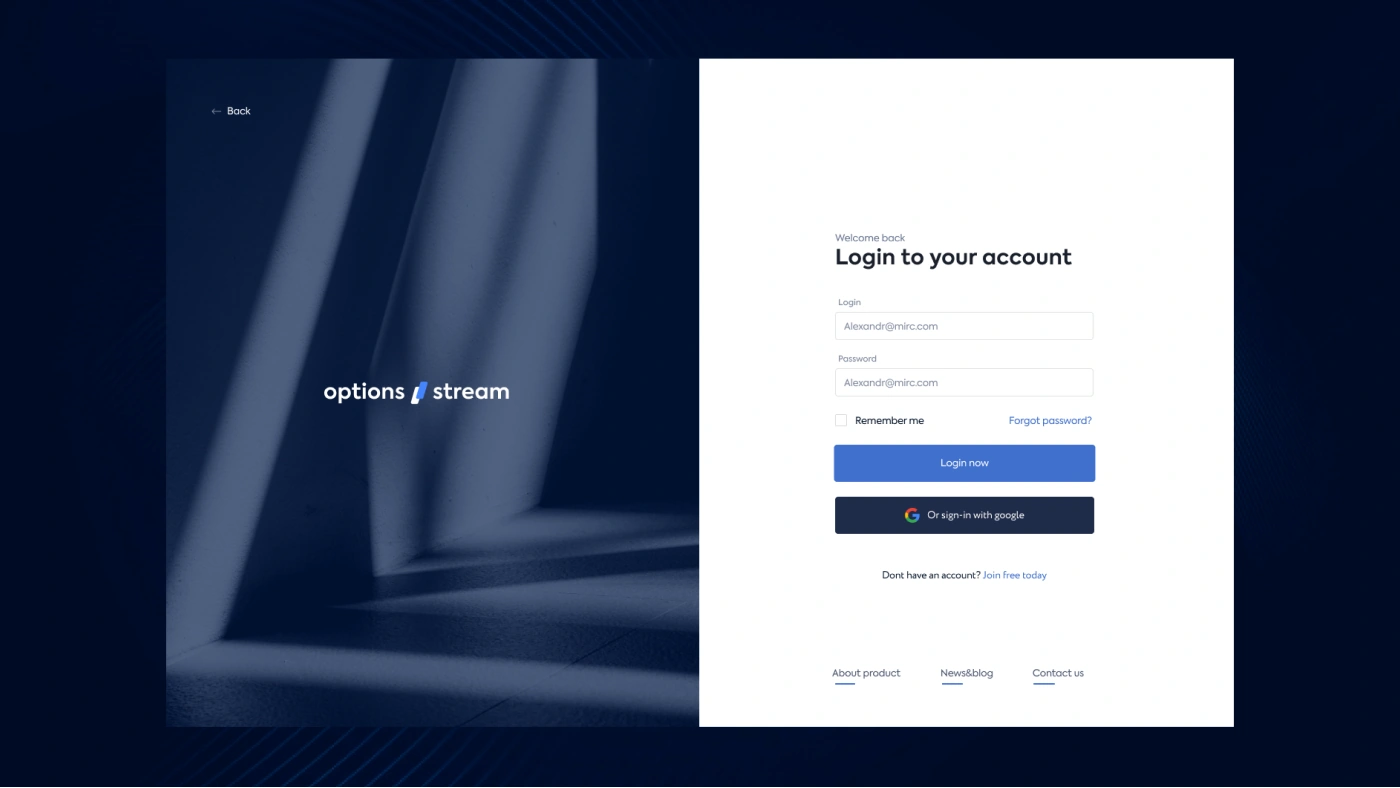
A quiet identity for an internal product. All the character sits in one mark, the blue slash between “options” and “stream”.
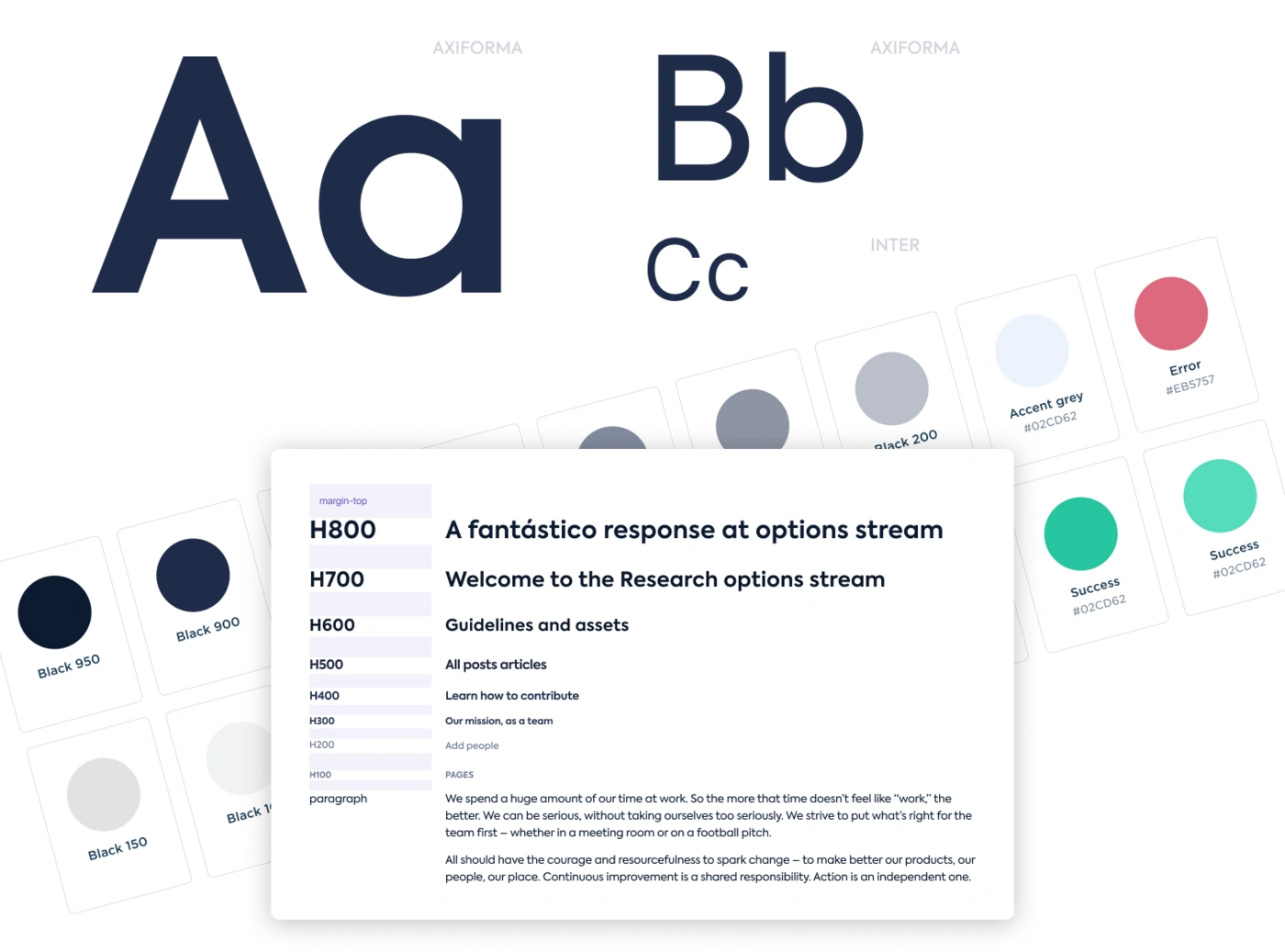
Typography & Styles
Typefaces that hold up in dense data, with a size scale, and a large set of color schemes for the states the interface goes through.
Some platform capabilities

Creation of various portfolios
A desk can keep as many portfolios as it needs, with different instruments, different ways to compare and monitor them, and forecasts on futures and options.

Build coefficients models
Working with coefficients: hypotheses, futures charts and volatility forecasts inside a portfolio.

Professional chats
Access to discussions with futures and options professionals, inside the platform.

Trades Market Explorer
Instruments from several markets in one list: hypotheses, adding to portfolios, experiments with strategies.

Complex parameters
Any instrument can take different models and strategies, and the parameters can be assembled to taste.
Outcome
The platform’s biggest effect was on the speed and quality of work inside the client’s departments. New services for clients came out of the platform, and bringing new employees into the work got simpler. That assessment is the client’s. I did not measure it, and I have no baseline to publish.
The public version of this case is left without numbers on purpose. Data and names are changed. The rest happens in a call.